
English | Simplified Chinese
MATRiX
A High-Fidelity Robot Simulation Platform Powered by Unreal Engine and MuJoCo
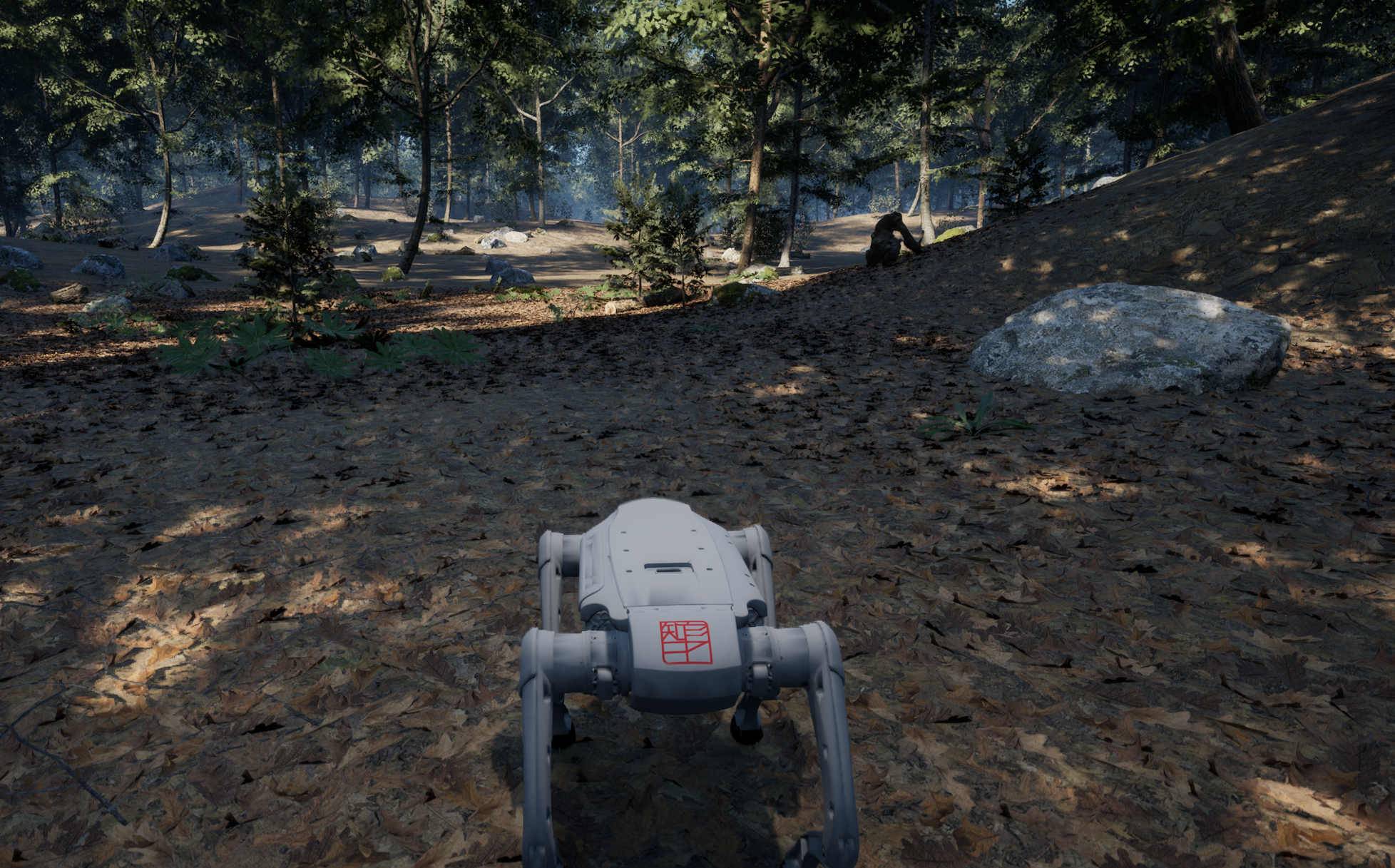
Why MATRiX · Promotional Demo · Quick Start · Documentation · Robots & Maps
MATRiX is a runtime-first robot simulation platform that combines Unreal Engine 5 rendering with MuJoCo dynamics in one workflow. Load an MJCF/XML robot directly, assemble a calibrated sensor suite, run built-in motion control, and stream ROS 2-compatible data over Zenoh—without installing ROS 2 for the core simulator.
[!IMPORTANT] The current release is v1.1.2 and provides a Linux x86_64 runtime. Install a suitable graphics driver before running it; the simulator is not limited to Ubuntu 22.04. Requirements of optional external controllers depend on the separately downloaded version.
Why MATRiX
| From model to algorithm | What MATRiX provides |
|---|---|
| Bring up robots faster | Load MJCF/XML at runtime and configure robots, initial poses, sensors, topics, and control mode through JSON instead of rebuilding the simulator for every model. |
| Test perception with sensor realism | RGB, semantic ground truth, infrared, GPU depth, panorama, fisheye, generic LiDAR, Mid360, Airy, IMU, GPS, and odometry; camera calibration, Brown-Conrady and Kannala-Brandt distortion, LiDAR scan timing, and motion distortion are modeled in the simulation path. |
| Keep multi-sensor data coherent | A unified ROS 2 time model supports stable UTC, Unreal simulation time, external /clock, and fixed-step time. Camera and LiDAR can share hardware-style trigger groups and timestamps. |
| Move from simulation control to controller integration | MuJoCo runs on a dedicated worker with a 500 Hz target. Built-in motion control is enabled by default (inside_mc=true), while the optional external robot_mc uses the same simulated-hardware ABI; joint and actuator targets are constrained by the active MuJoCo model. |
| Use ROS-compatible data without a ROS dependency | Zenoh publishes ROS 2-compatible CDR messages such as compressed images and PointCloud2. The simulator can run standalone, while ROS 2 bridges remain optional. |
| Scale scenes independently from the base runtime | The launcher updates a validated remote map catalog, detects mounted content, and downloads map DLCs on demand. Standard UE scenes, dynamic actors, Gaussian-splatting content, and Pixel Streaming 2 can share the same runtime. |
| Debug with tools already in the release | Sensor receiver, topic monitor, LiDAR-camera projection, categorized XY bounding boxes, fisheye projection, recording/replay, gimbal control, motion-control UDP tests, spawn tests, and voice-message tests are included under Tools/. |
🎥 Promotional Demo
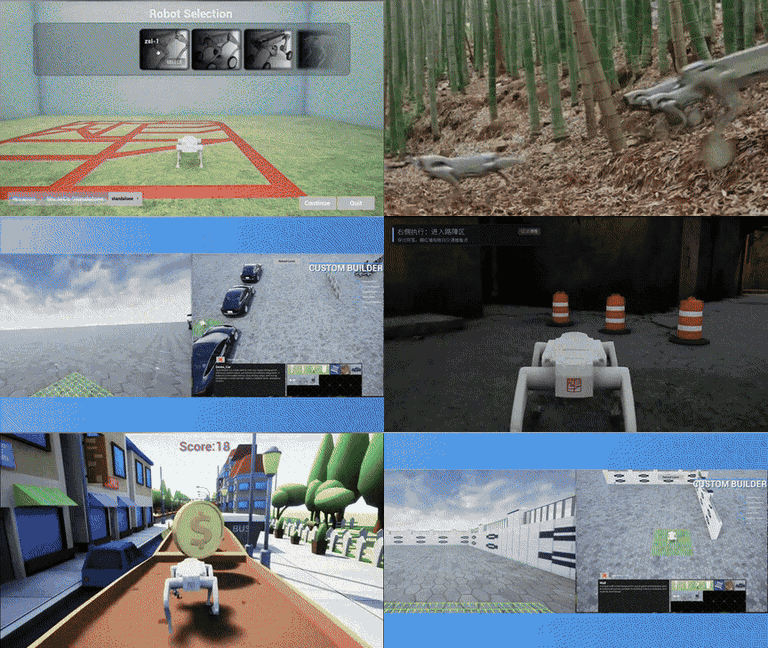
MATRiX 2.0 Simulation Showcase
Robot selection · High-fidelity environments · Multi-robot simulation · Reinforcement learning · Real-world scene reconstruction
✨ Core Capabilities
- Runtime robot onboarding: MJCF/XML loading, custom models, visual/collision binding, and reusable sensor schemes without baking every robot into a separate package.
- High-rate physics and control: Dedicated MuJoCo simulation worker, 500 Hz target control/hardware loops, command timeout handling, and model-derived joint/actuator limit enforcement.
- Calibrated perception: GPU scene depth, asynchronous GPU readback and encoding, perspective and fisheye lens models, synchronized capture, and LiDAR per-point timing/motion-distortion support.
- Open data plane: Zenoh publish/subscribe with ROS 2-compatible message layouts, configurable key expressions, unified timestamps, and optional LAN state/event synchronization.
- Flexible control architecture: Built-in motion control for a ready-to-run experience, or a separately downloaded external controller through the original shared-memory hardware interface—selected with one configuration switch.
- Expandable environments: Dynamic map catalog updates, automatic DLC download and mounting, runtime map detection, Gaussian-splatting rendering, crowds/vehicles, and Pixel Streaming 2.
- Developer-facing workflow: JSON and graphical sensor configuration plus Linux tools for data inspection, projection, bounding boxes, gimbal control, and protocol testing.
Built for
- Perception, SLAM, sensor-fusion, and synthetic-data development.
- Locomotion, whole-body control, reinforcement learning, and controller regression.
- Simulated-hardware and external-controller integration before physical-robot deployment.
- Multi-scene testing, remote demonstrations, and browser-based visualization.
🎬 Simulation Gallery
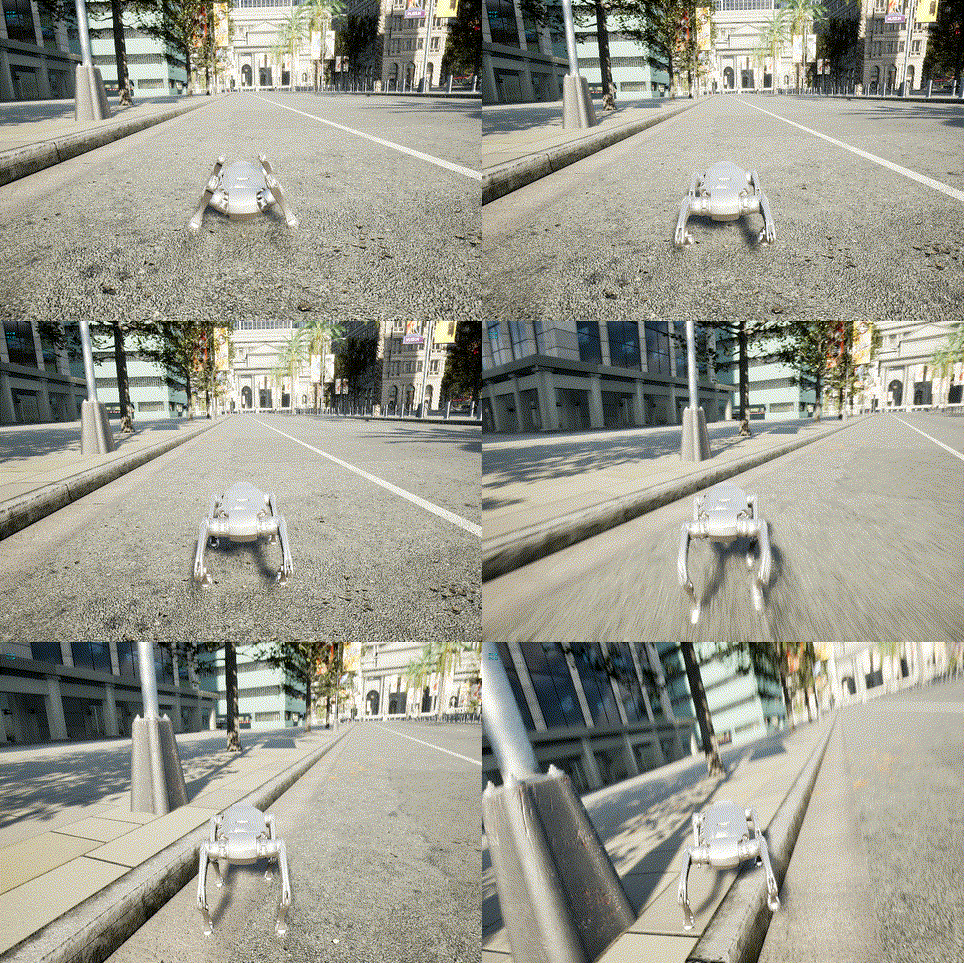 Town10 · Urban Robot Navigation | 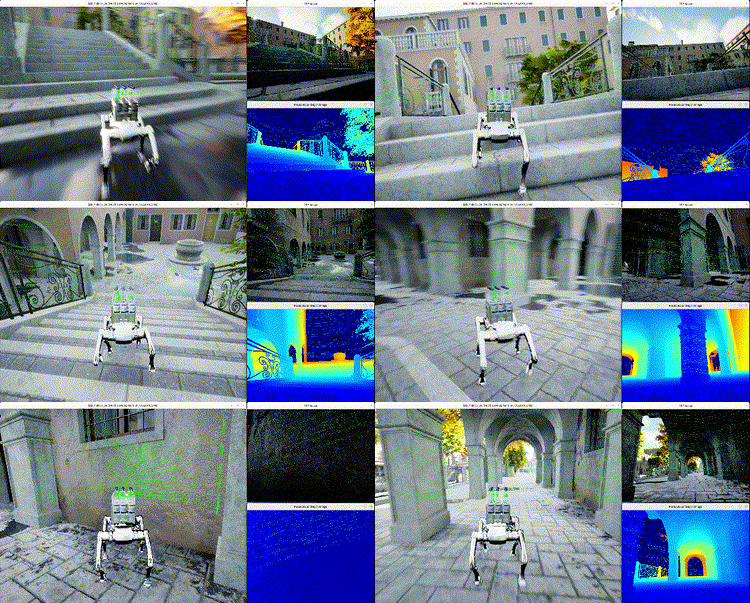 Venice · RGB and Sensor Visualization |
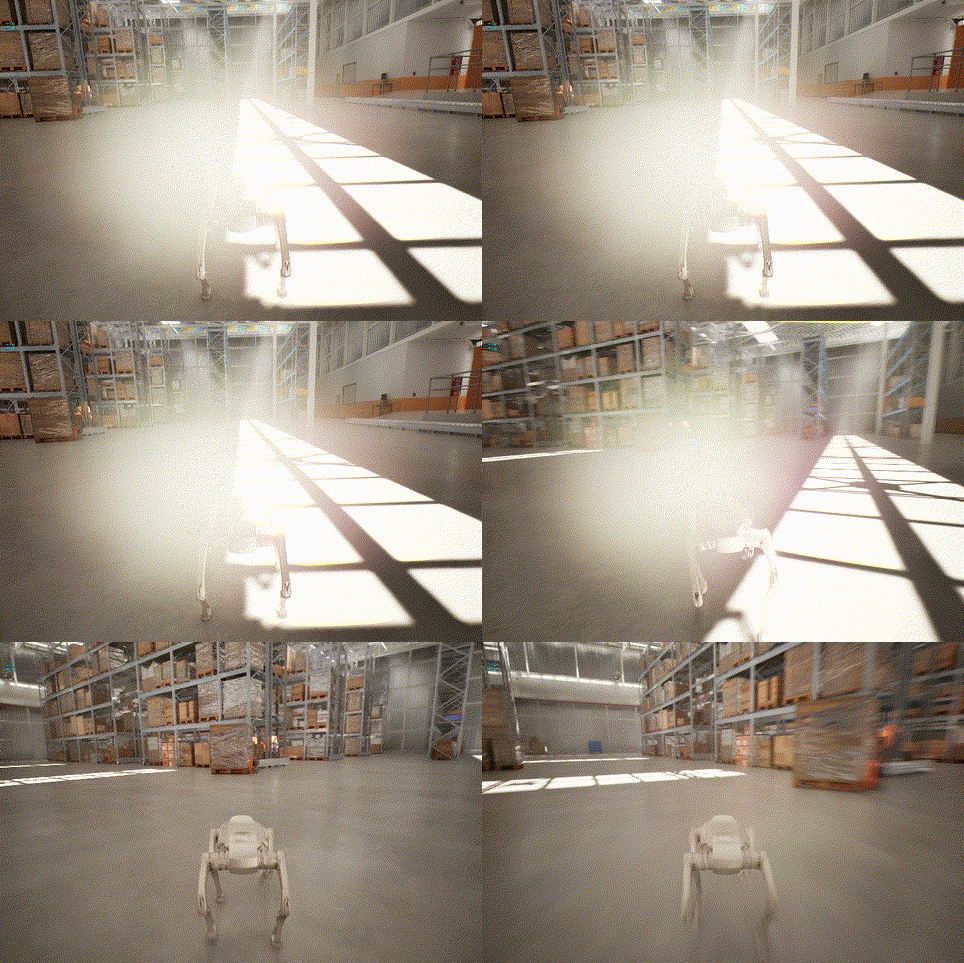 Warehouse · Industrial Lighting and Scale | 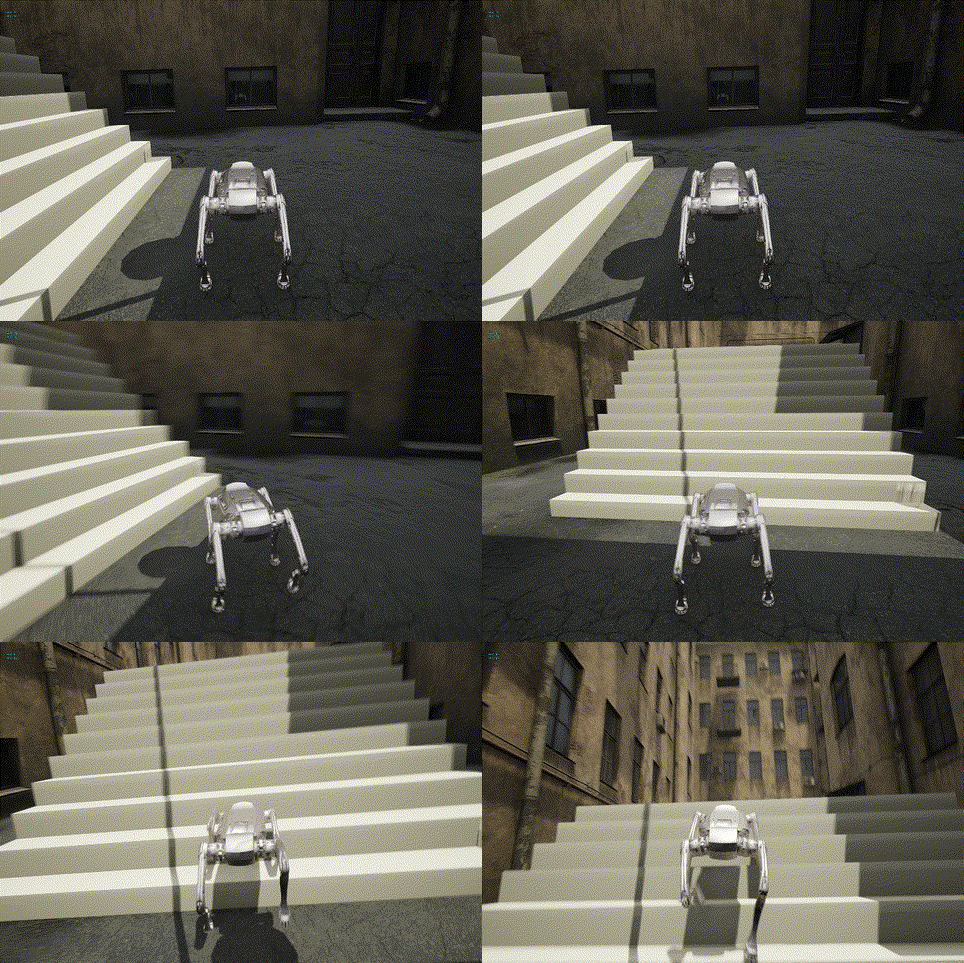 Courtyard · Locomotion Near Steps |
🚀 Quick Start
- Download MATRiX v1.1.2:
- Direct Linux download: complete
.tar.gz, supports resume. - GitHub Release: download all
.part-*assets andSHA256SUMS. Each part is below 2 GB. - Baidu Netdisk, code
118g: select the latest Linux version (this guide targets v1.1.2).
- Direct Linux download: complete
- Extract the complete archive, or verify and extract the GitHub parts:
# Direct/Baidu complete archivetar -xzf MATRiX_v1.1.2.tar.gz# GitHub parts: use this instead, in a directory containing only this release's partssha256sum -c SHA256SUMS && \ cat MATRiX_v1.1.2.tar.gz.part-* | tar -xzf -
- Start the runtime:
cd MATRiX_v1.1.2./UeSim.sh
This Git repository contains documentation, Python tools and release scripts; the executable runtime, Engine and models are distributed as download assets. Cloning the repository does not install the simulator. See download and checksum instructions.
Defaults are xgb, inside_mc=true, and sensor_sync_mode=true. The initial robot.sensors dictionary is empty, so sensors do not publish automatically. sensor_sync_mode=true is retained. Load and apply config_default.json (IMU, odometry, GPS, RGB, depth, Airy), or another scheme, before entering the simulation and spawning the robot. See sensor schemes.
Built-in motion control requires no external process. Optional standalone robot_mc remains a separate download; follow the motion-control guide.
In map selection, select UPDATE LIST, then DOWNLOAD for the required map. For manual DLC downloads, use Baidu Netdisk, code 6sth; select the latest DLC compatible with your runtime. See map DLCs.
Optional Python tools (Python 3.10+) run from the extracted runtime directory:
python3 -m venv .venv. .venv/bin/activatepython3 -m pip install -r Tools/requirements.txtpython3 Tools/zenoh_sensor_receiver.py --key 'rt/**'
See Getting Started and the tool index.
📚 Documentation
| Topic | Documentation |
|---|---|
| Installation and startup | English · Chinese |
| Release download and checksums | English · Chinese |
| Robots and environments | English · Chinese |
| Maps and DLCs | English · Chinese |
| Sensors and Zenoh | Sensor and Communication (Chinese) |
| Sensor configuration | Sensor Configuration Tutorial |
| Data tools | Python Tools (Chinese) |
| LiDAR-camera projection | English · Chinese |
| Motion control | English · Chinese |
| Controllers | Controller Guide · Chinese |
| Manual configuration | Advanced Configuration (Chinese) |
| Architecture and maintenance | Maintainer Guide |
| Troubleshooting | FAQ (Chinese) |
| Docker | Docker Support Status |
| Pixel Streaming | Pixel Streaming Guide |
| Sensor schemes and GPU LiDAR | English · 中文 |
| Fisheye projection and recording | Fisheye (Chinese) · Recording (Chinese) |
| Release changes | v1.1.2 Release Notes (Chinese) |
| Chinese documentation index | Simplified Chinese |
💬 Community
Add the GENISOM AI WeChat assistant for MATRiX simulation discussions and support:

Scan to add XinQi Robo; mention MATRiX to join the simulation community.
🤝 Contributing
Bug reports, documentation improvements, and runtime tooling changes are welcome. Start with CONTRIBUTING.md, and review the architecture and maintainer guide before changing launch or release scripts. Security issues should follow SECURITY.md rather than being filed as public issues.
🙏 Acknowledgements
This project builds upon the incredible work of the following open-source projects:
For semantic/RGB pairing, class IDs and display, see Semantic camera / 语义相机。
XXG is hidden in open-source mode. The defaults are xgb, built-in motion control enabled, and no active sensors.
Mirrors synchronize independently. If this version is not available there, use GitHub Release; select the latest version on Baidu Netdisk.
The open-source runtime excludes UeSim/Content/model/xxg.